How Consumer eSIM Works
Get connected in three simple steps - no physical SIM cards, no waiting
Choose Your Plan
Browse our selection of data plans and select the one that fits your needs. Local, regional, or global coverage available.
Instant Activation
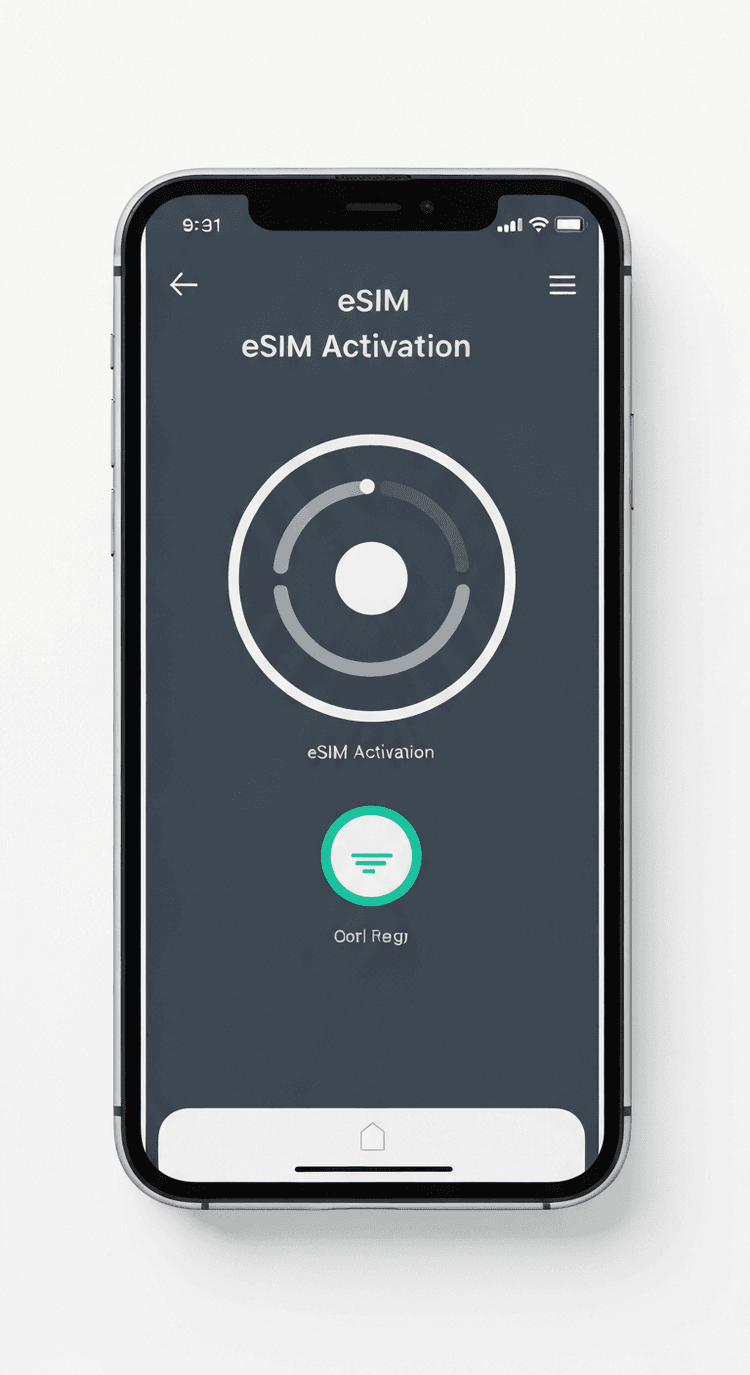
Scan the QR code or use our mobile app to activate your eSIM profile. Activation takes less than 2 minutes.
Start Using
Your eSIM is now active! Enjoy seamless connectivity with instant carrier switching and real-time plan management.
Receive Your eSIM
After purchase, you'll instantly receive your eSIM activation details via email, including a QR code and activation credentials.
Scan QR Code
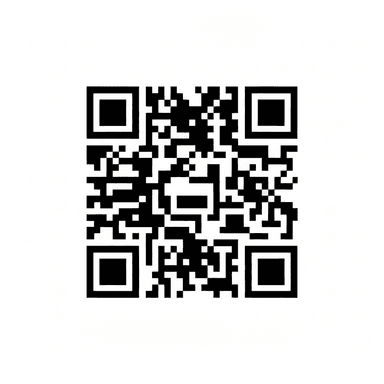
Open your device's settings, navigate to Mobile/Cellular settings, and scan the QR code with your camera. The eSIM profile will install automatically.
Activate & Connect
Or just click the "Activate eSIM Plan now" button to install the eSIM in your device (if your device supports such technique, e.g. the DOOGEE V30 MAX or DOOGEE V30 model Rugged Smartphone) with no need of scanning the QR Code. Thereafter go to your Device settings, you will see the installed eSIM, rename it and then activate it and you will be connected within seconds!
Installation takes less than 2 minutes
No technical knowledge required. Our step-by-step process guides you through activation. Customer support is available 24/7 if you need assistance.
Thank you for your purchase
Scan the QR Code to install the eSIM or click 'Activate eSIM Plan' button below

United States
20 GB 14 Days Plan
3 Ways to Install Your eSIM
Choose the method that works best for you
Scan QR Code
Simply scan the QR code provided in your confirmation email using your device camera
Manual Entry
Copy and paste the activation code into the space provided by your carrier settings
One-Click Button
Click the 'Activate eSIM Plan now' button for instant automatic installation
Ready to Get Started?
Browse our eSIM plans and get connected in minutes. No physical SIM cards needed.